
Choosing between an IPTV URL, M3U vs MAC Address is the first decision most new viewers face after signing up for an IPTV subscription. Pick the wrong method, and you may waste hours on failed logins, missing channels or an app that simply will not accept your details. This guide explains how each method works, compares them side by side, and shows you which one fits your device.
Quick answer: use an M3U URL if you want one link that works across many apps and devices. Use MAC address activation if you watch on a single set-top box and want a simple, built-in interface with a TV guide.
Key Takeaways
- An M3U file is only a list of stream addresses and channel labels. It contains no video itself.
- An M3U URL works in almost any player, while MAC activation locks your subscription to one device and connects it through a portal URL.
- A leaked M3U link can be reused by others. A MAC-locked account is harder to share, but MAC addresses can be spoofed or randomized, and sources disagree on which method is safer.
- Portal setups usually include the TV guide (EPG), while M3U setups often need a separate EPG link.
- Some user reports say catch-up and server timeshift do not work over M3U in certain portal-focused apps, so check your app’s features first.
- You generally cannot convert a MAC portal into an M3U link yourself. It depends on what your provider supports.
- Both methods are neutral formats. Legality depends on licensing, and enforcement against unlicensed IPTV is growing in the EU and the US.
What Is an IPTV M3U URL?
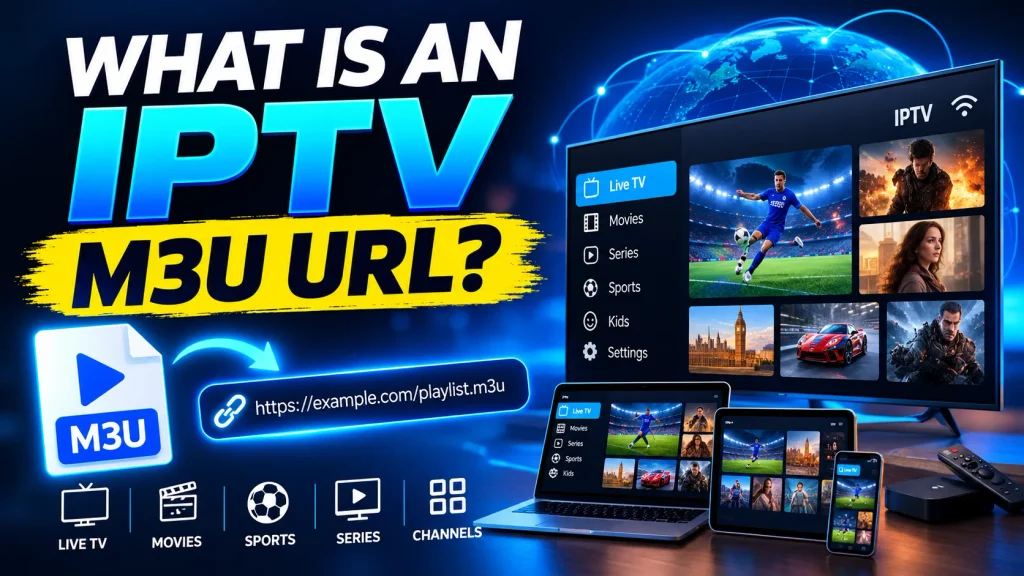
An IPTV M3U URL is a web address that points to a playlist file (.m3u or .m3u8) listing your channels and where to stream them. Your IPTV app downloads the playlist, reads it and builds your channel list. The format is described in the IETF HTTP Live Streaming specification (RFC 8216).
A single playlist entry looks like this:
| #EXTM3U #EXTINF:-1 tvg-id=”news1″ group-title=”News”,Channel Name http://example.com/stream/channel1.m3u8 |
Because the file only points to streams, the same link works in VLC, Kodi, and most IPTV player apps. Your provider can also update the playlist at any time without you doing anything.
Static M3U Files vs Dynamic M3U URLs
- Static file: a fixed list that changes only when someone re-uploads it.
- Dynamic URL: generated for your account, refreshed by the provider, and usually tied to your credentials or a token.
M3U and the TV Guide (EPG)
A playlist lists channels, but the programme schedule usually comes from a separate EPG source. If your app shows channels without a guide, add the EPG link your provider supplies. Our explainer on what an EPG is in IPTV covers this in detail.
What Is MAC Address Activation in IPTV?
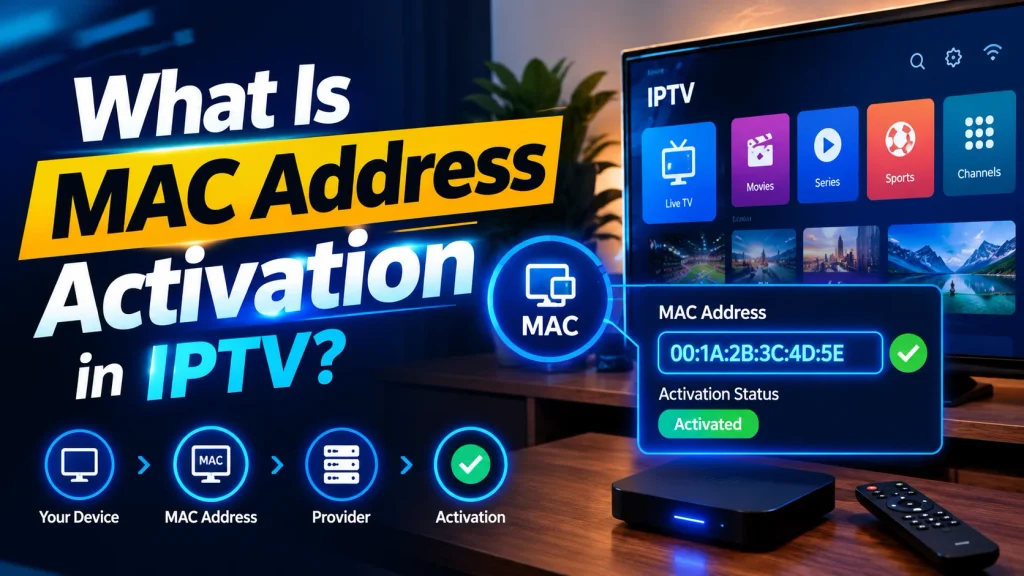
MAC address activation links your IPTV subscription to the hardware ID of one device. A MAC address is a 48-bit identifier assigned to a network interface. Your provider whitelists it on their server, and your device connects to a portal URL instead of loading a playlist.
This method is common on MAG-style boxes, Formuler devices and Android boxes running an STB emulator. Here is how it usually works:
- Open your box or app and note the MAC address it displays.
- Send that exact MAC to your provider so they can register it.
- Enter the portal URL your provider gives you.
- Restart the app or box so it loads your channel list from the portal.
Watch out for one common mistake. Modern phones and tablets use MAC address randomization on Wi-Fi, so always copy the MAC your IPTV app shows rather than the one in your device settings. Changing your router or internet provider does not affect a MAC setup, because authentication depends on the device, not your network.
IPTV URL, M3U vs MAC Address: Key Differences
| Feature | M3U URL | MAC Address (Portal) |
|---|---|---|
| How it authenticates | Link or token inside the URL | Device MAC whitelisted on the server |
| Setup | Copy and paste one link | Register the MAC, then enter the portal URL |
| Portability | Works in almost any player | Tied to one device or emulator |
| Changing devices | Paste the same link elsewhere | Ask the provider to register a new MAC |
| TV guide (EPG) | Often a separate EPG link | Usually built into the portal |
| Catch-up and timeshift | Depends on the app and provider | Often supported through the portal |
| Sharing risk | Higher if the link leaks | Lower, locked to hardware |
| Best for | Several apps and screens | One set-top box, simple viewing |
Where Does Xtream Codes Fit In?
Many providers also offer an Xtream Codes login, which uses a server address, username and password instead of a long link. It sits between the two methods: it works in many apps like M3U but loads channels and guide data through the provider’s API. See our comparison of Xtream Codes vs M3U for details.
Pros and Cons at a Glance
M3U URL
- Pros: works on nearly any device, easy to move between apps, more control over favorites and playlists.
- Cons: a shared or leaked link exposes your account, very large playlists can load slowly, and the EPG often needs manual setup.
MAC Address (Portal)
- Pros: no playlist to manage, built-in guide, TV-style interface, harder to share by accident.
- Cons: needs provider registration, tied to one device, and a wrong or randomized MAC causes login failures.
Which One Should You Choose?
- Choose M3U if you watch on phones, smart TVs, PCs, and streaming sticks. Our Firestick IPTV setup guide walks through the process.
- Choose MAC activation if you use one dedicated box and prefer a remote-friendly interface.
- Ask your provider first. Many offer both, and the method you can use depends on your plan.
Quick Troubleshooting Tips
- Playlist will not load: check the link for typos or missing characters and confirm your subscription is active.
- Portal shows no channels: confirm the MAC was registered exactly as displayed.
- No TV guide on M3U: add the separate EPG link in your player settings.
- Freezing or lag: test your connection first, then follow our tips to fix IPTV buffering.
Free Public Playlists: Read This First
Static M3U files circulate on forums, chat groups, and code-hosting sites, but they carry three risks. Links die or get geo-blocked with no support. You usually cannot tell whether a stream is authorized from the file itself. Unvetted files and the apps that promise to unlock them are a known route for malware and adware. A link or portal login from your internet provider or a licensed service is a separate, properly licensed category.
Is It Legal? What the Data Says
M3U and MAC portals are only delivery formats, so legality depends on whether the content is licensed. The EU’s intellectual property office reported a 10% rise in visits to pirate IPTV registration sites in 2023, and rights holders keep pursuing operators, including a $15 million judgment won by ACE. Read is IPTV legal before you subscribe, and choose a provider that holds proper licenses.
Conclusion
The IPTV URL, M3U vs MAC Address choice comes down to flexibility versus simplicity. M3U goes anywhere and works in nearly every app. MAC activation gives a set-and-forget experience on one box. Match the method to your device, keep your links and device details private, and stick with a licensed provider.
Frequently Asked Questions
-
Is M3U or MAC address better for IPTV?
Neither is better in every case. M3U suits multi-device, app-based viewing, while MAC activation suits a single set-top box with a built-in guide.
-
Can I convert a MAC portal to an M3U link?
Only if your provider supports both delivery methods for the same subscription. You generally cannot do it yourself.
-
Why did my M3U playlist stop working?
Dynamic URLs can expire or be refreshed by the provider. Static shared files break when dead links are not maintained or the source removes a stream.
-
Will changing my router break a MAC address setup?
No. Portal authentication depends on the device’s MAC address, not your router or internet provider.
-
Is it safe to share my M3U URL?
No. The link often contains your credentials, so anyone with it may be able to use your subscription.
-
Does picture quality differ between M3U and MAC?
Picture quality is generally the same. The differences are in features such as the TV guide, catch-up, and how easily you can switch devices

One Response